ACTIVE CODES By Community Rewards Desk Mobile & Esports Rewards Tracking • Working gift codes, free UC, and cosmetics Garena Free Fire MAX regularly releases promotional redeem codes to award loyal players with free in-game cosmetics, weapon skins, character bundles, and utility vouchers. These codes consist of 12 to 16 alphanumeric characters featuring uppercase letters and numbers. By taking advantage of daily redeem code distributions, players can expand their inventory without using real money or spent diamonds in the store. Related Guide: Free Fire MAX Active Redeem Codes for Free Rewards - November 2026 Because each code comes with dynamic expiry timers and strict server restrictions, speed is essential. Most working codes remain valid for 12 to 24 hours from release or expire once a specific redemption quota is reached across the regional server. Check our active list below to secure your items immediately on the official Garena redemption website. Active Free F...
FREE TO CLAIM
By Gamer Deals & Drops Team
Official Promotions Desk • Verified free PC & console game drops
Quick Summary
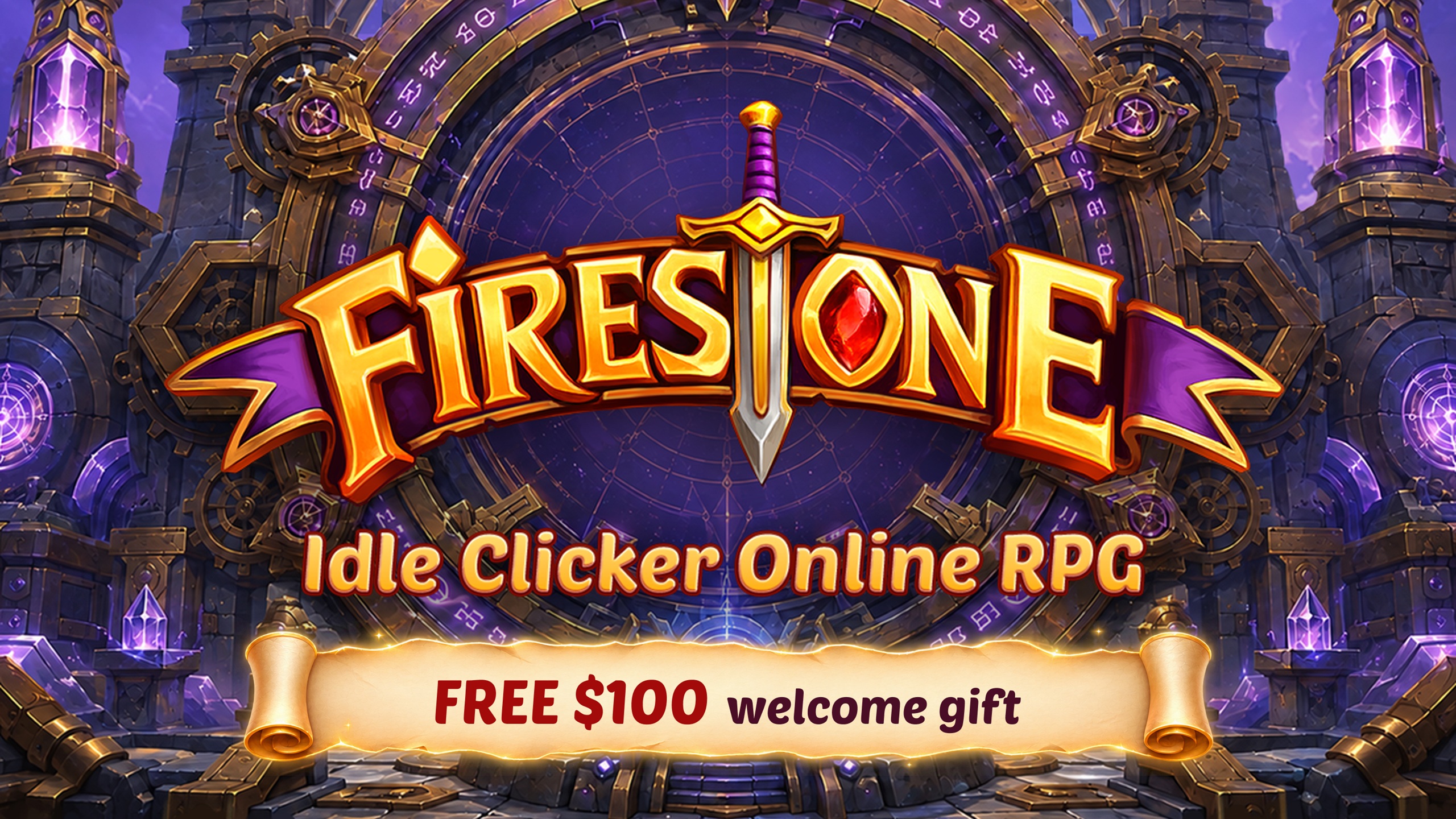
Firestone, Idle Clicker Online RPG is a fantasy idle RPG where you collect heroes, gear up, and watch your team grow while offline. The game normally costs $0 (free) and will be available on the Epic Games Store until Dec 3, 2026. Claim it now to keep it forever in your library.
Related Guide: How to Get Bread and Fred Free on Epic Games Store ($14.99 Value)
Step‑by‑Step Claim Walkthrough
- Open the Epic Games Launcher on your PC or visit the store page in a web browser.
- Sign in with your Epic account. If you do not have one, create a free account using your email address.
- Locate the Firestone, Idle Clicker Online RPG banner on the store front. Click the Get button.
- A pop‑up will ask you to confirm the purchase. The price will read "Free". Click Place Order.
- The game is now added to your Epic library. In the launcher, go to the Library tab and you will see Firestone listed under "Owned".
- Press Install, choose your install location, and wait for the download to finish.
- Launch the game from the library. Once you have opened it at least once, the title remains in your library permanently, even after the promotion ends.
Gameplay & Story Overview
Firestone drops you into a vibrant fantasy world where heroes battle endless waves of monsters. The core loop is click‑based: tap to send your team into combat, watch the auto‑battles resolve, and collect loot. Progress continues while you are offline, granting daily rewards that scale with your current power level.
Key mechanics include:
- Hero collection: Recruit a variety of characters, each with unique skills and elemental affinities.
- Gear upgrades: Equip swords, staffs, and armor to boost stats. Gear can be forged, enchanted, or upgraded using in‑game materials.
- Formation strategy: Arrange heroes in rows to trigger synergy bonuses. Positioning matters for elemental counters and combo attacks.
- Boss raids: Every few hours a powerful boss appears. Defeating it yields rare gear and large experience gains.
The story is light but gives context to each hero’s motivation. You start as a fledgling commander tasked with defending the kingdom’s crystal core. As you progress, the narrative expands through short cutscenes and hero dialogue, giving a sense of growth without interrupting the idle flow.
Multiplayer is limited to guilds. You can join a guild, share resources, and compete in weekly leaderboards. There is no real‑time co‑op combat, but the guild system adds a social layer for players who enjoy community goals.
PC System Requirements
Below are the minimum and recommended specs to run Firestone smoothly on Windows.
| Specification | Minimum | Recommended |
|---|---|---|
| OS | Windows 10 (64‑bit) | Windows 11 (64‑bit) |
| Processor | Intel Core i3‑6100 / AMD Ryzen 3 1200 | Intel Core i5‑10400 / AMD Ryzen 5 3600 |
| Memory | 4 GB RAM | 8 GB RAM |
| Graphics | NVIDIA GTX 750 / AMD Radeon R7 260 | NVIDIA GTX 1050 Ti / AMD Radeon RX 560 |
| Storage | 2 GB available space | 2 GB SSD for faster load times |
| DirectX | Version 11 | Version 12 |
Verdict
Score: 9.0 / 10
- Addictive idle loop with meaningful progression.
- Rich hero roster and gear system keep the experience fresh.
- Low hardware demand makes it accessible to most PCs.
- Limited real‑time multiplayer may disappoint players seeking co‑op battles.
- Progress can feel grind‑heavy after the early stages.
- Visuals are functional but not cutting edge.
One‑sentence summary: Firestone delivers a satisfying idle RPG loop with deep hero customization, perfect for short sessions and long‑term growth.
Quick Reference Breakdown
| Specification | Minimum | Recommended |
|---|---|---|
| OS | Windows 10 (64‑bit) | Windows 11 (64‑bit) |
| Processor | Intel Core i3‑6100 / AMD Ryzen 3 1200 | Intel Core i5‑10400 / AMD Ryzen 5 3600 |
| Memory | 4 GB RAM | 8 GB RAM |
| Graphics | NVIDIA GTX 750 / AMD Radeon R7 260 | NVIDIA GTX 1050 Ti / AMD Radeon RX 560 |
| Storage | 2 GB available space | 2 GB SSD for faster load times |
| DirectX | Version 11 | Version 12 |
🏆 Deal Rating
9/10
"Firestone delivers a satisfying idle RPG loop with deep hero customization, perfect for short sessions and long‑term growth."
✅ Key Highlights
- Addictive idle loop with meaningful progression
- Rich hero roster and gear system keep the experience fresh
- Low hardware demand makes it accessible to most PCs
⚠️ Things to Know
- Limited real‑time multiplayer may disappoint players seeking co‑op battles
- Progress can feel grind‑heavy after the early stages
- Visuals are functional but not cutting edge
❓ Frequently Asked Questions
Will Firestone stay in my Epic library after the free period ends?
Yes. Once you claim the game, it is permanently added to your library and can be downloaded any time.
Can I play Firestone offline?
The core gameplay works offline, and you will still earn idle rewards while the app is closed.
Do I need an internet connection to collect daily rewards?
You need to be online at least once a day to claim the daily login bonus; otherwise the offline timer still accumulates progress.
Is there a way to transfer my progress to another PC?
Progress is saved to your Epic account, so logging into the same account on another PC will sync your data automatically.
Topics: #Gaming #Guide
Stay tuned for daily free game alerts, error fixes, and competitive gaming guides!
🎁 Claim Your Free Copy
This promotion is available for a limited time on the Epic Games Store. Add it to your library before the deadline to keep it forever.
Claim on Epic Games StoreGuide prepared and verified by Gamer Deals & Drops Team • Tested across PC, Steam, and Mobile environments.
Comments
Post a Comment